I have now taken the time to create a sample application for Power BI Embedded 😊
The application was largely generated using AI (ChatGPT). This application displays both a Power BI report and a paginated report. To display the paginated report, a Service Principal is required. I have already described how to create one in the following article:
https://www.flip-design.de/?p=1578
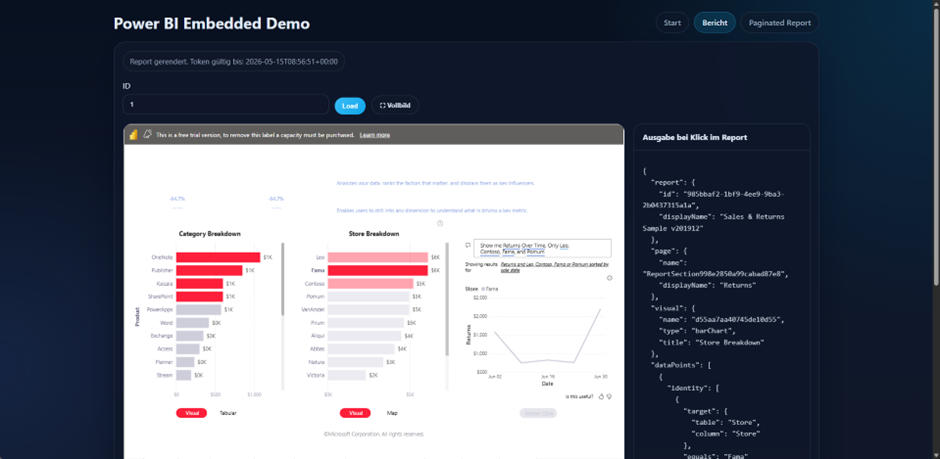
In addition, the Power BI report returns the selected information as a JSON output. Furthermore, the report or semantic model supports CUSTOMDATA. This allows IDs or similar information to be passed to the report, which is particularly useful for implementing dynamic RLS. I have already described both topics in the following articles:
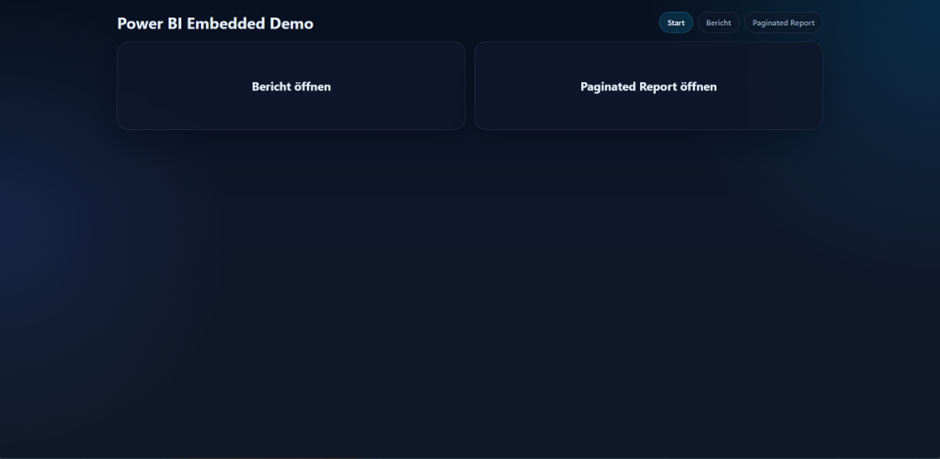
This is the start page. Currently, two languages are displayed. This could certainly be extended with dynamic content and automatic language detection, but this is the initial version:
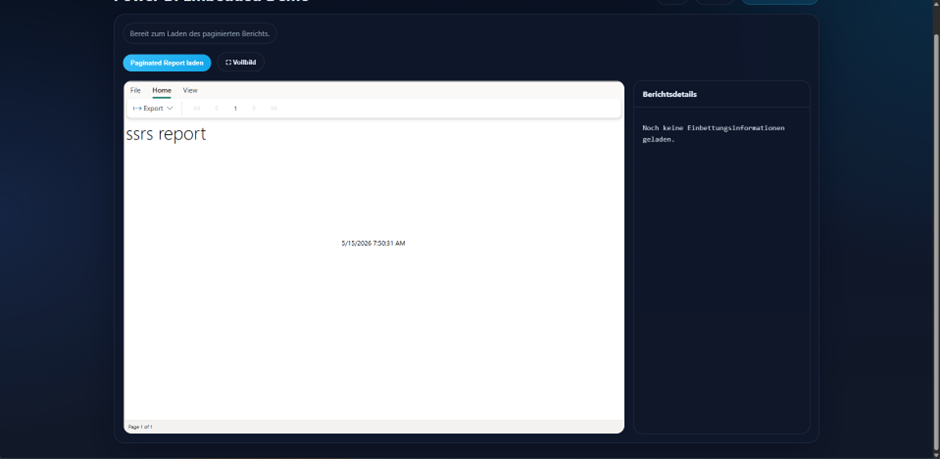
When switching to the paginated report, it is loaded from the configured workspace:
Here you can see the dynamic report, which can both accept individual information and provide information about the selected objects:
To try out this application yourself, you only need a Power BI tenant, publish your own reports within it, and additionally download the application:
https://github.com/philipplenz/PowerBIEmbedded
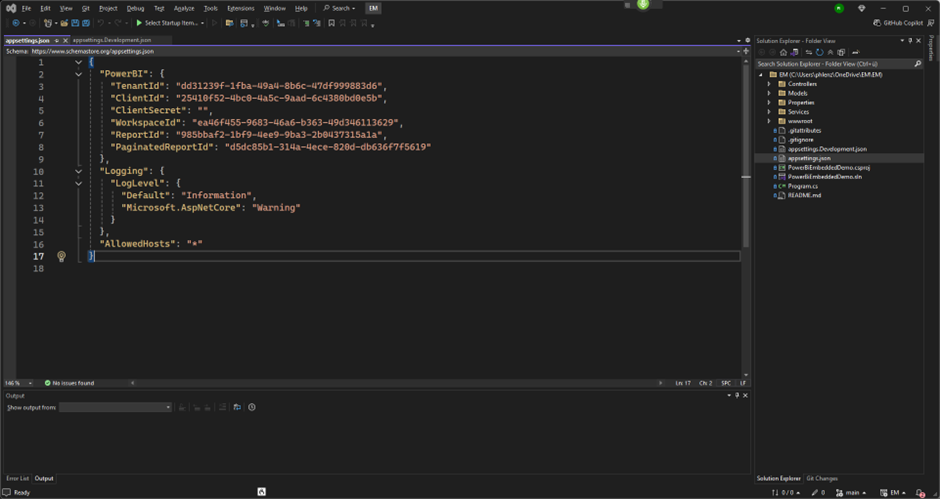
The application can be opened using Visual Studio 2022 or similar programs. You then additionally create a Service Principal within your Azure tenant and assign it to the workspace. These details must then be entered into the “appsettings.json” file.