Recently, I encountered the question of how to add a new attribute to my KQL table when the event stream provides new attributes. I searched in vain to see if I could edit this in the UI. Within Data Fabric or Integration Services, this is easily possible via field mapping. So there had to be another way!
First, I edited my target table in my KQL database:
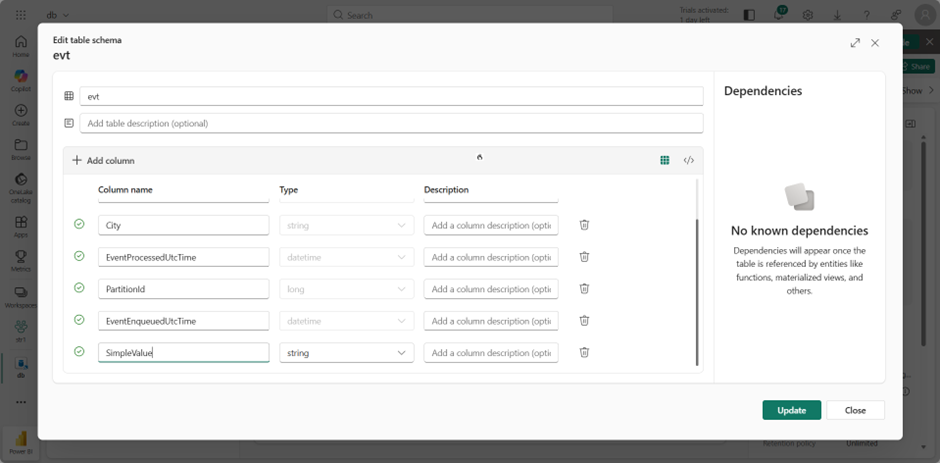
The values for SimpleValue are already being transferred via my PowerShell script. I reused and extended the script from the following entry: https://www.flip-design.de/?p=1495
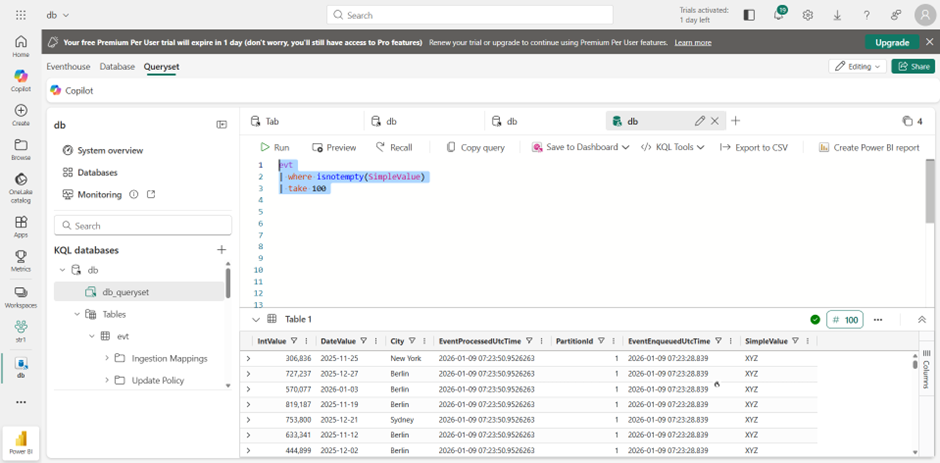
To check if data is being received, the following query can be used:
evt
| where isnotempty(SimpleValue)
| take 100
However, in order for data to be written to this column, it needs to be mapped somehow. This can be achieved relatively easily by removing the target, then recreating it and selecting the existing, edited table.
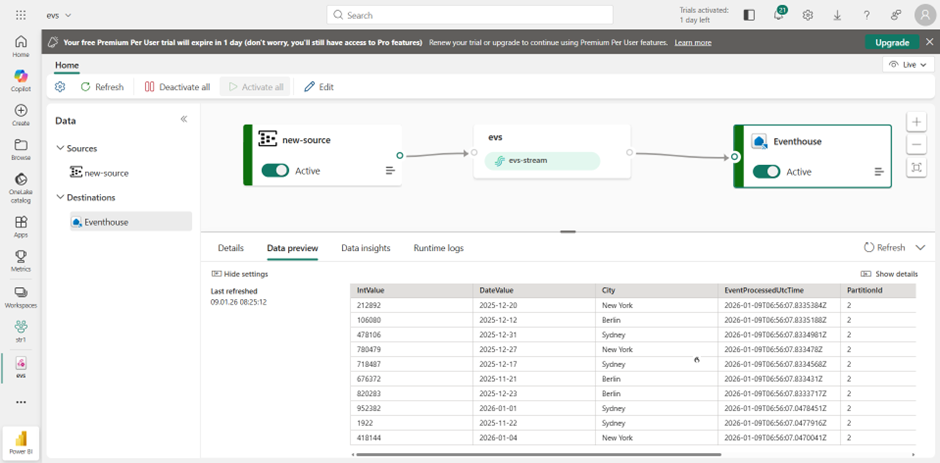
From now on, the new information will also be stored in this column: